Get Your PS2 BIOS Now
Access fully functional BIOS files that work across regions, easy for newcomers and completely secure.
Understanding PS2 BIOS
The PS2 BIOS acts as the foundational operating system for PlayStation 2 hardware, crucial for emulators to replicate console behavior accurately. It handles system initialization and game compatibility, with different versions tailored to specific geographic areas.
Without a proper BIOS file, PS2 emulators cannot function correctly, as they rely on these system files to mimic the console’s internal operations, memory management, and hardware interactions.
Varieties of PS2 BIOS Editions
- North American (NTSC-U): Common for US consoles like SCPH-30001, ideal for English-language games.
- Japanese (NTSC-J): For models such as SCPH-10000, supporting Japan-exclusive titles.
- European (PAL): Used in regions like Europe with SCPH-39004, adjusted for PAL video standards.
- Asian and Special Regions (NTSC-C/PAL): Variants for China and others, like SCPH-50009.
- Debug and Development BIOS: Special versions used by game developers with additional debugging features.
Sources for PS2 BIOS Files
Obtain BIOS files from reputable sources to avoid risks. We provide direct access to verified files.
Also available: PS1 BIOS options for those interested in PlayStation 1 emulation.
About PCSX2 Emulator
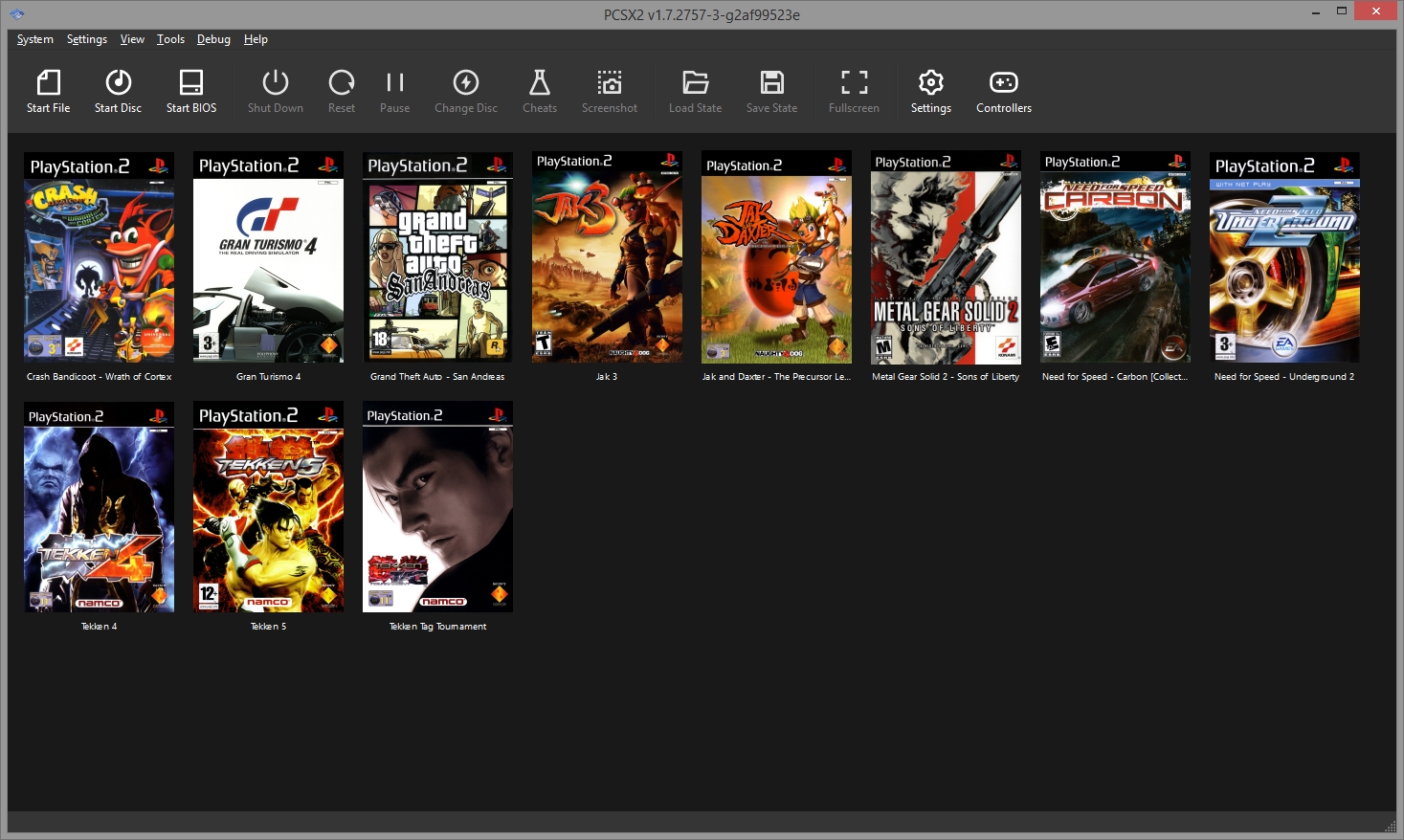
PCSX2 is an open-source tool that lets you play PS2 games on modern devices, offering features like enhanced graphics, customizable controls, and memory card emulation.

- Resolution upscaling for better visuals – play games in 4K or higher resolutions.
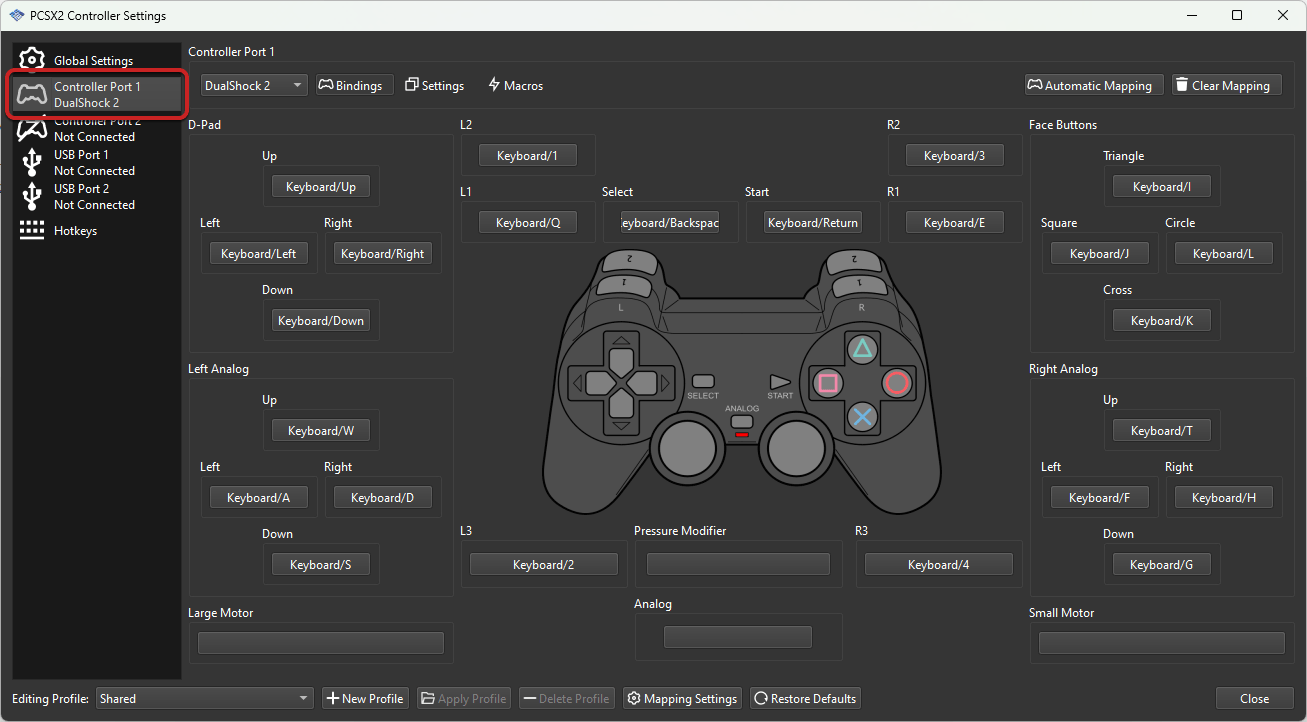
- Support for various input devices including keyboard, mouse, and all popular game controllers.
- Save and load states anytime, allowing you to save progress anywhere in a game.
- Texture filtering and anti-aliasing options for improved graphics.
- Widescreen patches for games that didn’t originally support widescreen displays.
Setting Up PCSX2 on Windows PC
- Visit the official PCSX2 site and grab the latest version from their downloads page.
- Run the installer and follow prompts, choosing your preferred installation directory.
- Place your legally obtained BIOS in the designated folder (usually in the “bios” subdirectory).
- Adjust video and audio settings as needed based on your hardware capabilities.
- Configure controllers and load your game ISO or insert your physical game disc.
Installing PCSX2 on Android Devices
- Download from app stores or official repositories – AetherSX2 is the recommended PS2 emulator for Android.
- Transfer BIOS files to your device storage in the appropriate directory as specified by the emulator.
- Add game files to the emulator by pointing it to your game ISOs or compressed files.
- Set up touch controls or connect an external controller via Bluetooth or USB.
- Configure graphics settings based on your device’s capabilities.
Troubleshooting Common Issues
- Games running slowly: Try different speed hacks, lower the resolution, or enable frame skipping.
- Graphical glitches: Switch between hardware and software rendering, update GPU drivers.
- Audio problems: Adjust audio latency settings, try different audio plugins.
- BIOS not detected: Verify BIOS files are in the correct folder and are from a compatible region.
Legal Considerations and Fair Use
While emulators themselves are legal, BIOS files are copyrighted software. You should only use BIOS files from PlayStation 2 consoles that you own. This website provides BIOS files for educational purposes and for users to use with their legally owned PlayStation 2 hardware.